.jpeg)

- Nano Banana 2 (Gemini 3.1 Flash Image) delivers Pro-level image quality at Flash speed—now available in LTX Studio
- Maintains subject consistency across up to 5 characters and 14 objects in a single workflow
- Generates photorealistic imagery from 512px up to 4K, across multiple aspect ratios
- Features precision text rendering, translation, and advanced world knowledge powered by Gemini
- Integrates with LTX-2 video generation in Gen Space for a full image-to-video workflow
What Is Nano Banana 2?
Nano Banana 2 is Google's latest state-of-the-art image model, built on Gemini 3.1 Flash.
It's designed to bring the best of both worlds: the advanced world knowledge, visual fidelity, and precision of Nano Banana Pro, at the lightning-fast speed creators need to move quickly.
The model launched externally on February 26, 2026, quickly becoming the default image generation model across Gemini's Fast, Thinking, and Pro modes. Now, LTX Studio users can access it directly inside their creative workflow.
In LTX Studio, Nano Banana 2 integrates into Gen Space alongside the LTX-2 video model—meaning you can generate high-quality images and bring them to life with motion, all without leaving the platform.
Nano Banana 1 ( + Pro) vs. Nano Banana 2
Both models are powerful, but they're built for different needs.
Nano Banana Pro is Google's premium image model, built on Gemini 3. It's designed for maximum visual fidelity, advanced multimodal editing, and tasks where precision and detail are non-negotiable. It remains the go-to choice for specialized, high-fidelity work.
Nano Banana 2 is built on Gemini 3.1 Flash—a newer, faster architecture that closes the gap with Pro on quality while delivering significantly faster generation times.
Think of it as Pro-level capability made accessible at Flash speed. For most creative workflows, Nano Banana 2 will feel like a meaningful upgrade: faster output, sharper detail, and broader capability at no quality cost.
For a table comparing the two, see below:
Google AI Pro and Ultra subscribers can still access Nano Banana Pro for specialized tasks that demand the highest fidelity. For everything else, Nano Banana 2 is now the benchmark.
.jpeg)
Nano Banana 2 Key Features
Pro-Level Quality at Flash Speed
Nano Banana 2 delivers the visual intelligence and output quality of a Pro model without the wait.
You get advanced reasoning, richer textures, more vibrant lighting, and sharper fine detail—all at significantly faster generation times than previous models.
Subject Consistency Across Up to 5 Characters and 14 Objects
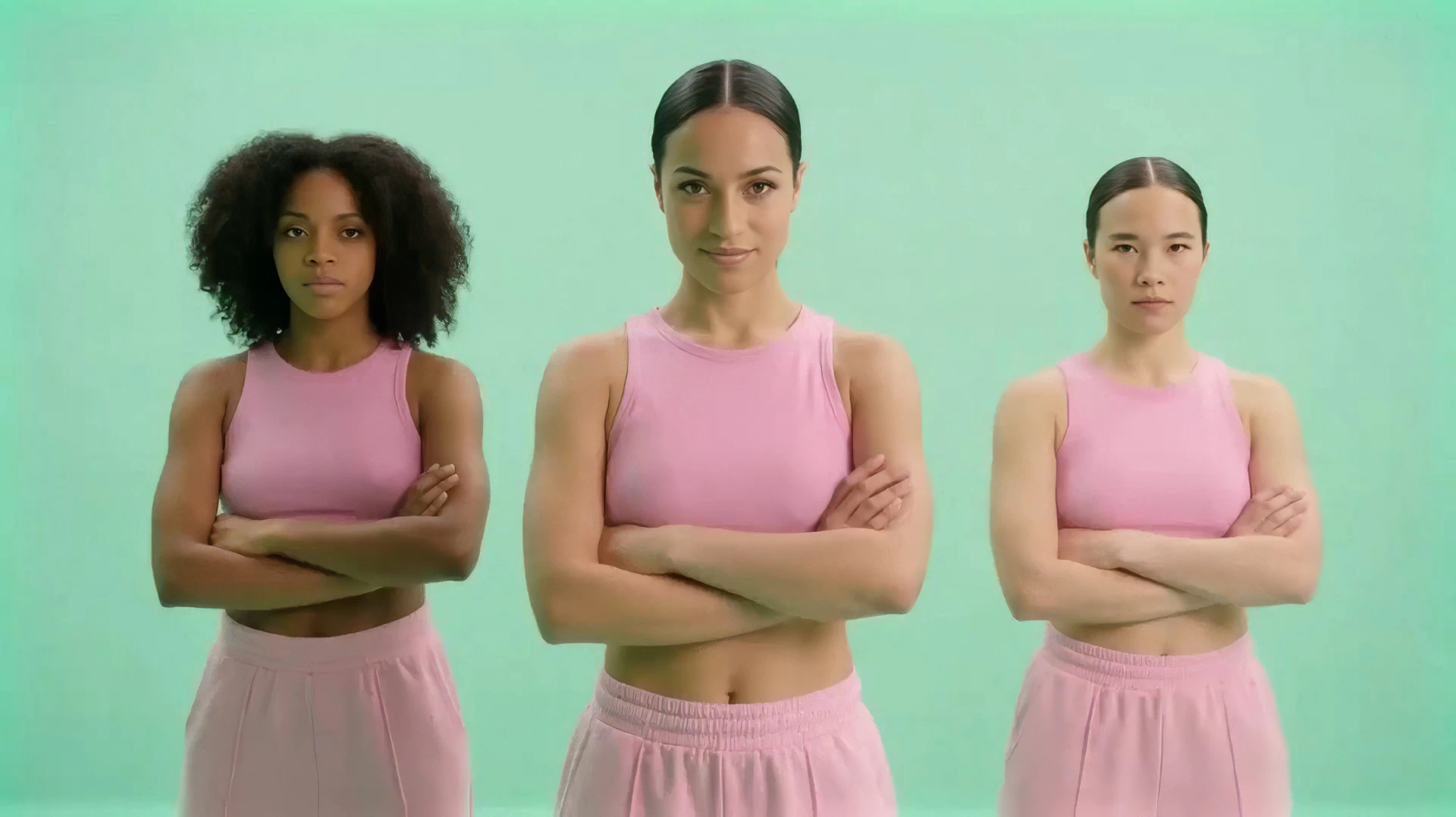
One of the biggest challenges in AI image generation is maintaining consistency across characters and objects. Nano Banana 2 can maintain character resemblance for up to five characters and fidelity for up to 14 objects within a single workflow—a major leap forward for storytelling and multi-scene production.
Combined with LTX Studio's AI Character Generator, you have full control over your cast across every frame.
Precision Text Rendering and Translation
Nano Banana 2 generates accurate, legible text across a wide range of use cases: marketing mockups, branded imagery, signage, posters, and more.
It can also translate and localize text within an image, making it practical for global campaigns and multilingual content.
Photorealistic Imagery Up to 4K
The model supports resolutions from 512px all the way up to 4K, across multiple aspect ratios. Whether you're generating assets for digital platforms or production-ready visuals, you have the resolution to match the output format.
Advanced World Knowledge Powered by Gemini
Nano Banana 2 draws from Gemini's real-world knowledge base, augmented by real-time information from web search.
This enables more accurate rendering of specific subjects, better handling of complex prompts, and the ability to generate infographics, data visualizations, and diagrams from natural language instructions.
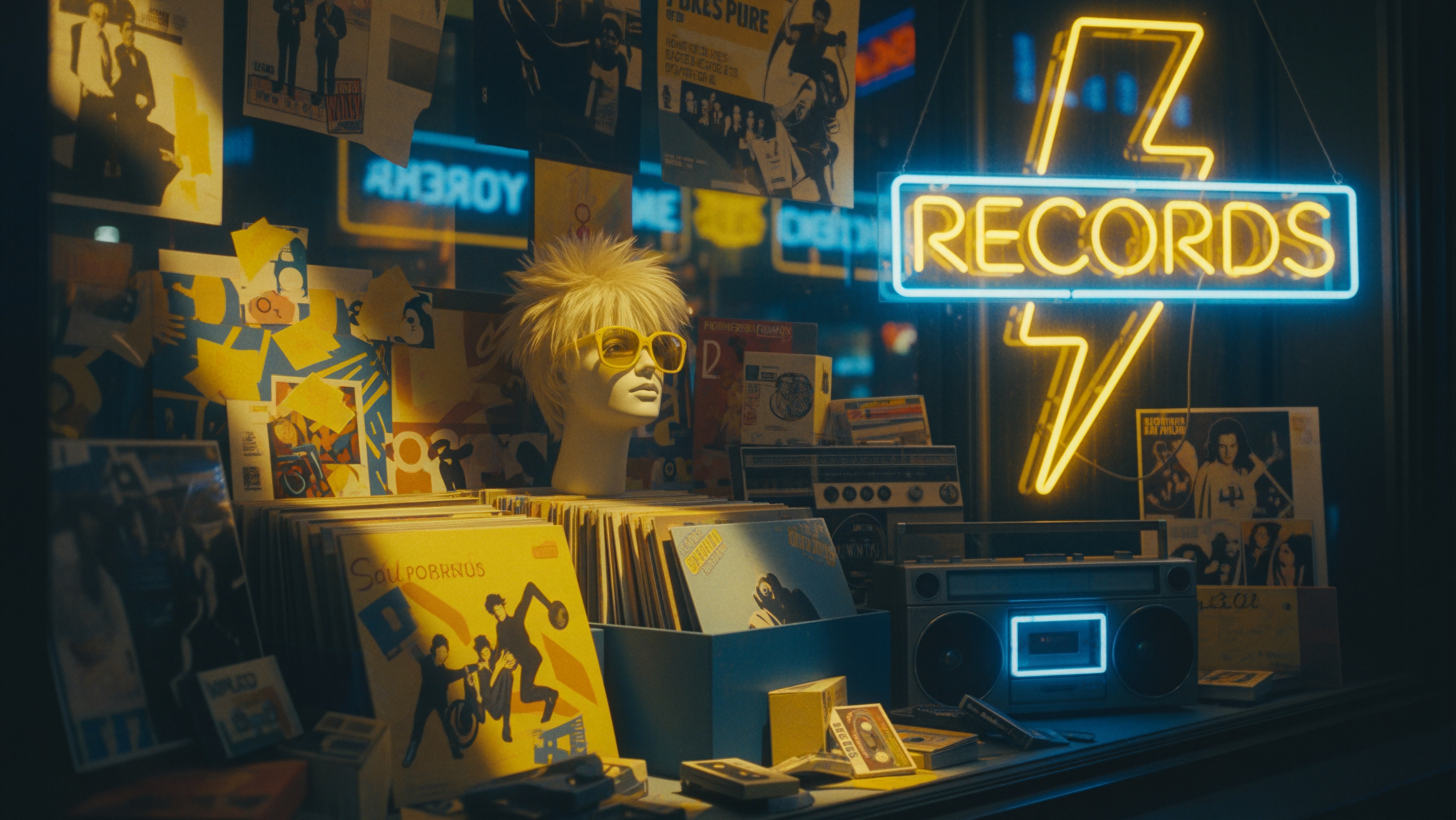
Prompting Tips for Nano Banana 2
Getting the most from Nano Banana 2 comes down to how clearly you communicate your intent. Here are a few practical tips to get better results faster.
Start with a clear subject-action-scene formula. A structure like Generate an image of [subject] [doing something] in [setting] gives the model a strong foundation. From there, layer in specifics.
The more precise your prompt, the closer the first output will be to what you want—instead of "a person in a red outfit," try "a young woman in a red structured blazer standing on a rain-slicked city street at dusk, cinematic lighting."
Leverage the text rendering capabilities by describing text content, font style, and positioning explicitly when you need legible text in your image. Nano Banana 2 handles logos, signage, and overlays far more reliably than previous models, which aligns with one of the biggest AI image trends for 2026—precision and control over every element of the visual.
For subject consistency across scenes, describe your characters consistently across prompts and use reference images in Gen Space to anchor their appearance. Specify aspect ratio and resolution upfront, and use Nano Banana 2's speed advantage to iterate quickly rather than over-engineering your first prompt.
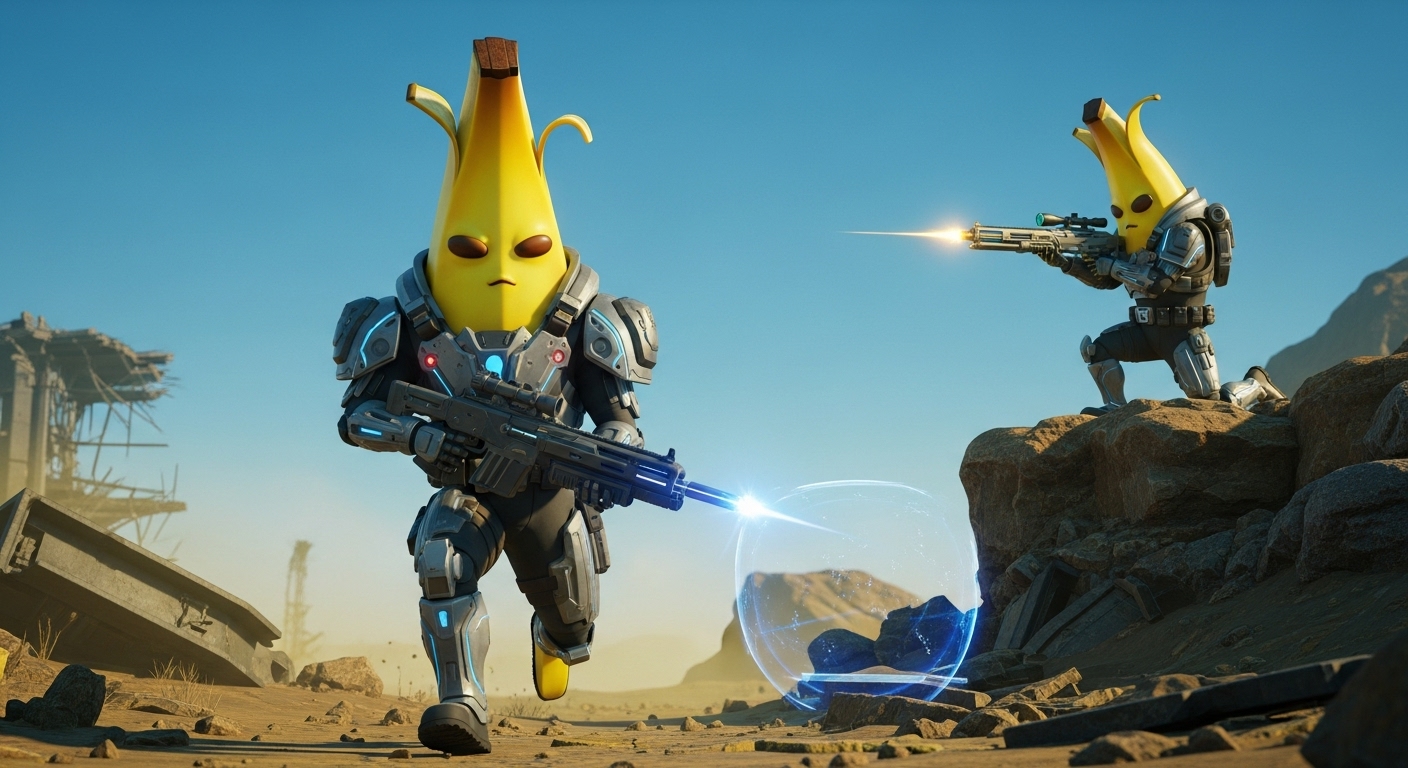
How to Use Nano Banana 2 in LTX Studio
Getting started with Nano Banana 2 in LTX Studio takes less than a minute. Head to the AI Image Generator in Gen Space to access it directly inside your project.
Step 1: Open Gen Space
Navigate to Gen Space inside any project, or start a new session from the LTX Studio homepage.
Step 2: Select Nano Banana 2
In the model dropdown menu, select "Nano Banana 2" as your image generation model.
Step 3: Enter Your Prompt
Add a detailed text prompt describing your subject, composition, style, and mood. For more control, attach image references or use annotations to direct specific elements of the image.
Step 4: Generate and Refine
Click generate. Use Nano Banana 2's speed to your advantage—iterate quickly, adjust your prompt, and get to the right output faster.
Step 5: Bring It to Your Project
Once your image is ready, add it to your storyboard or timeline, save it as an Element for reuse, or use it as a starting frame for LTX-2 video generation.
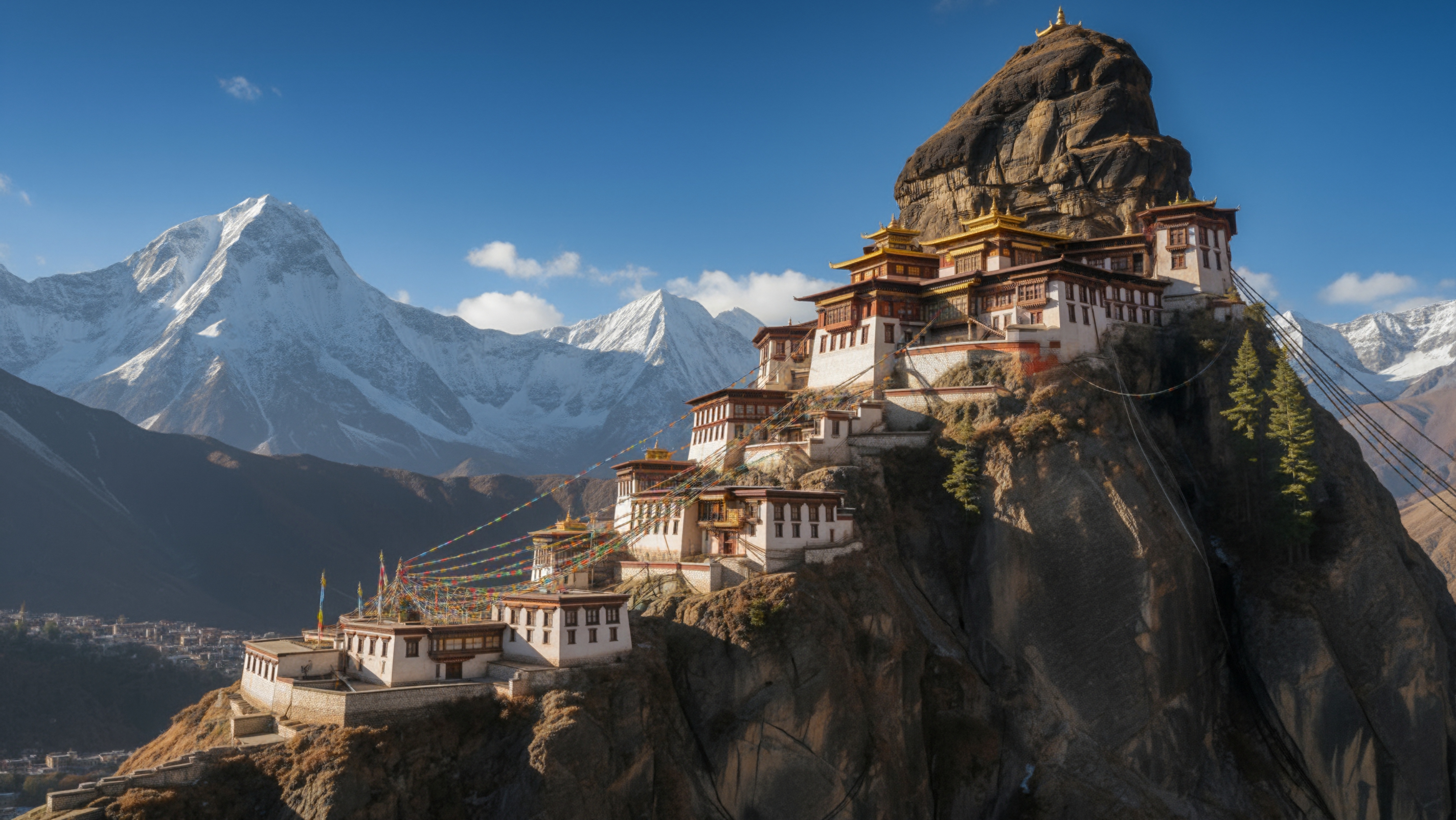
Generate Faster. Create More.
Nano Banana 2 is now live in LTX Studio. Pro-level quality, Flash speed, 4K resolution, and subject consistency across characters and objects—all inside the platform where your entire production workflow lives.
For a full look at what's possible inside LTX Studio, check out the top LTX Studio features for 2026.
Try Nano Banana 2 in LTX Studio today.


Maximize your creative potential with AI-powered tools
Maximize your creative potential with AI-powered tools





.jpeg&description=Nano Banana 2 is now live in LTX Studio. Google's fastest image model delivers Pro-level quality at Flash speed, 4K resolution, and subject consistency across 5 characters.)



.png)



