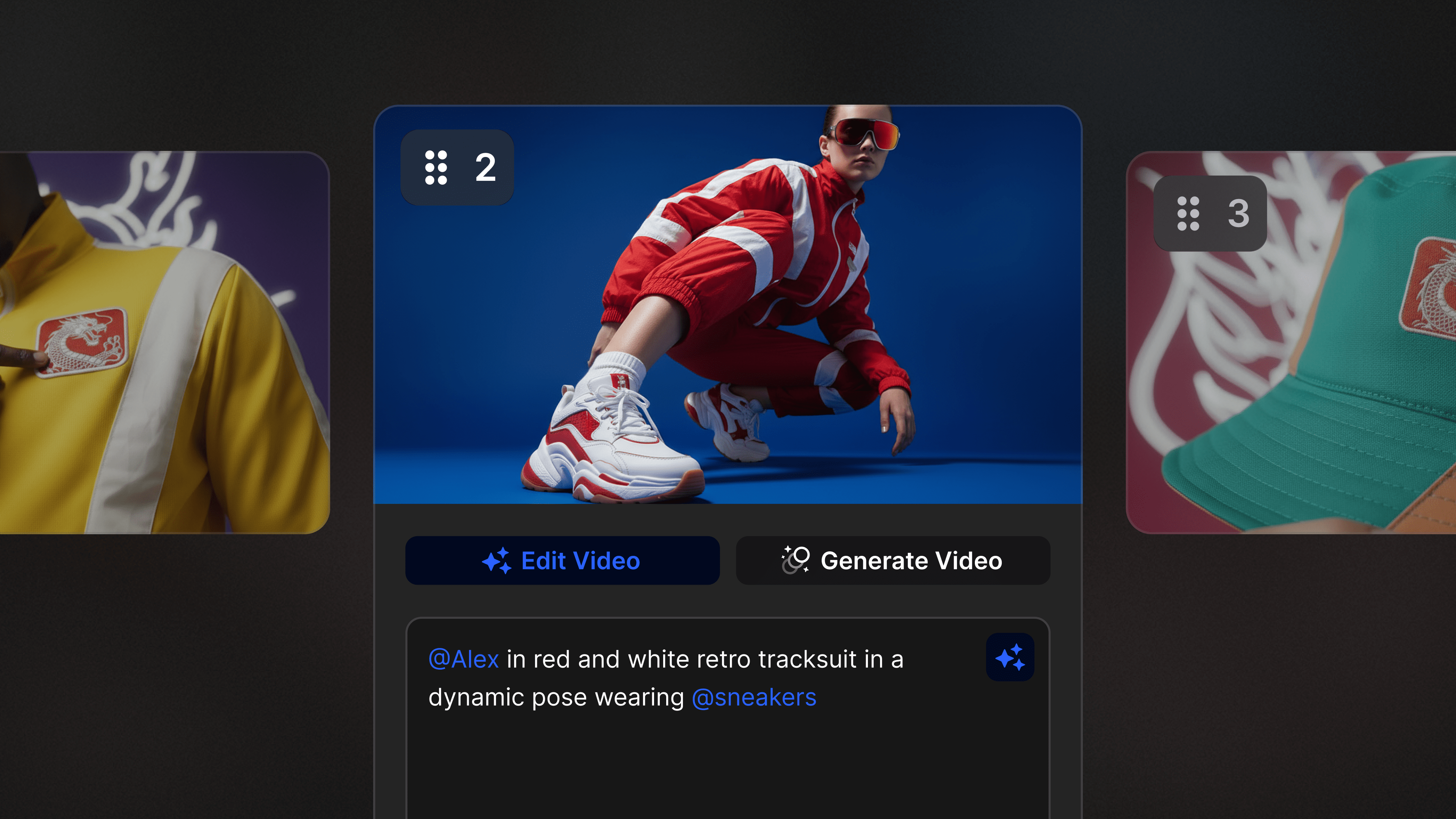

Every great story starts with structure. The new Storyboard Generator redefines how LTX users move from script to visual, turning words into coherent, ready-to-edit storyboards faster than ever before.
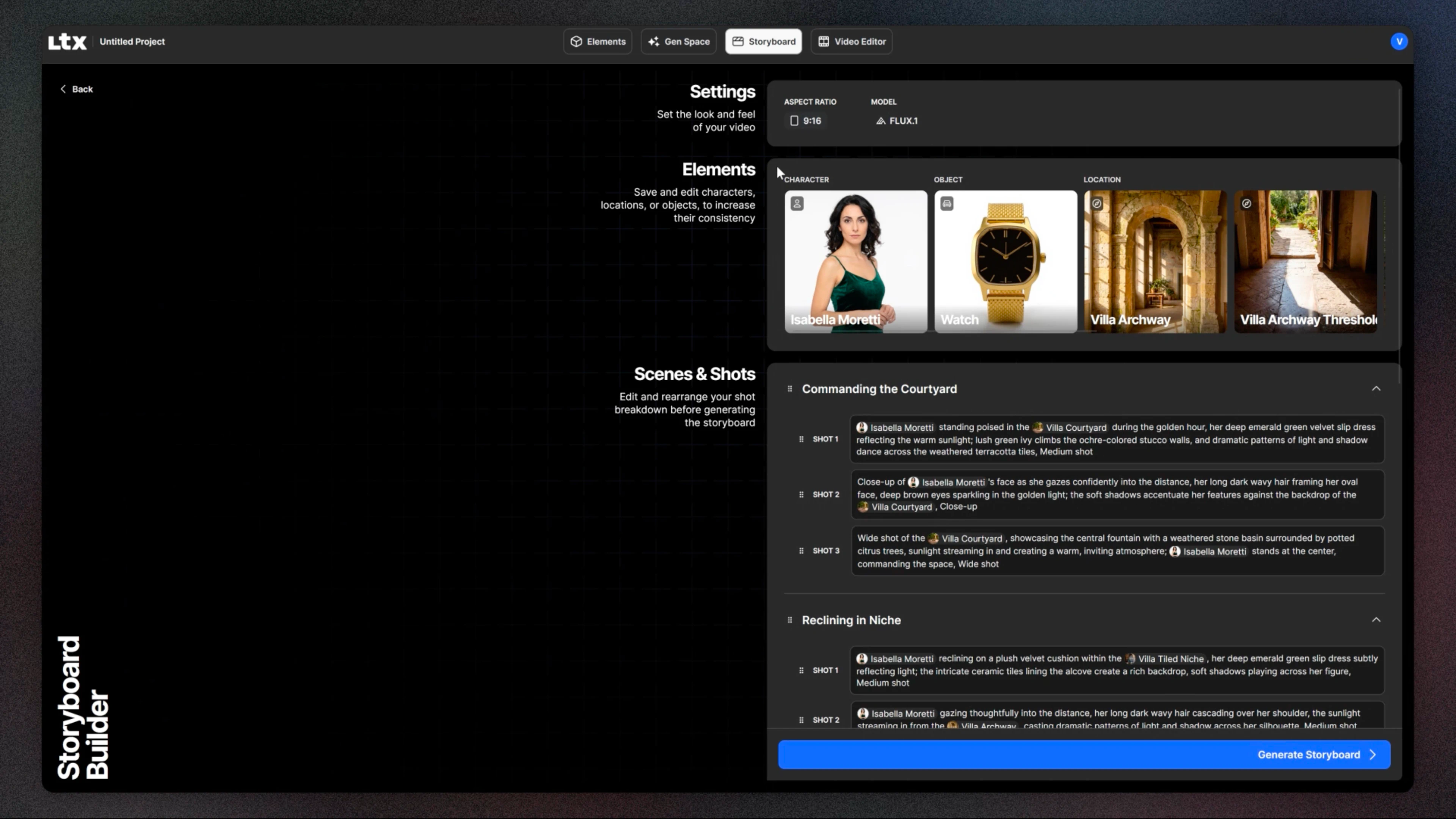
Whether you're pitching a campaign or prepping a film, the updated storyboard initiation flow simplifies pre-production by automating the structure, extracting Elements, and giving you control over models before you generate a single frame.
What's New in the Storyboard Generator
The Storyboard Generator has been completely rebuilt for speed and creative control, giving creators more precision and flexibility from the start.
Simplified Storyboard Setup
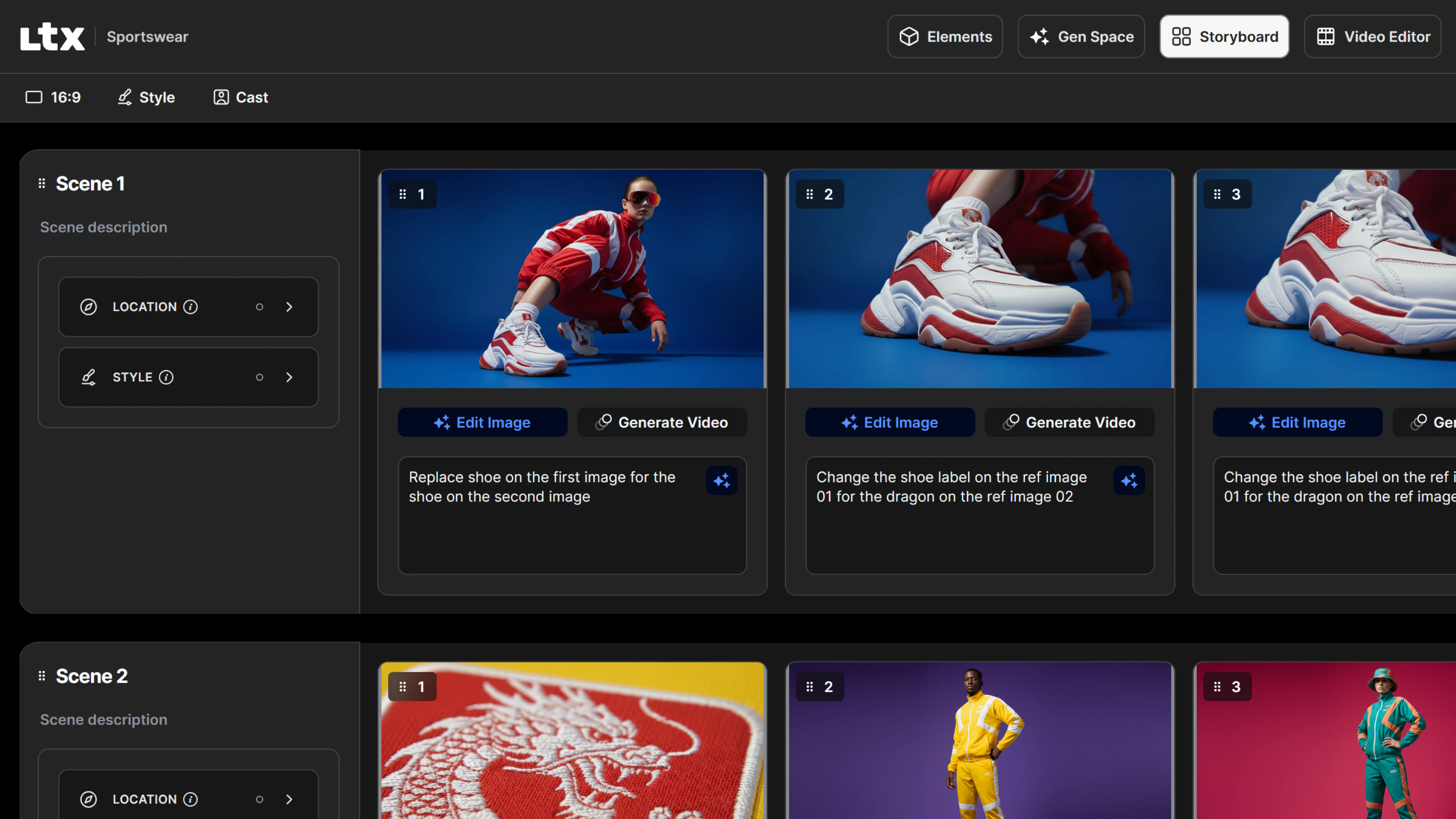
The new storyboard layout offers a more streamlined experience. Move from script to storyboard in fewer clicks, with less setup and more clarity about what you're building, all before generation starts.
Choose Your Image Model
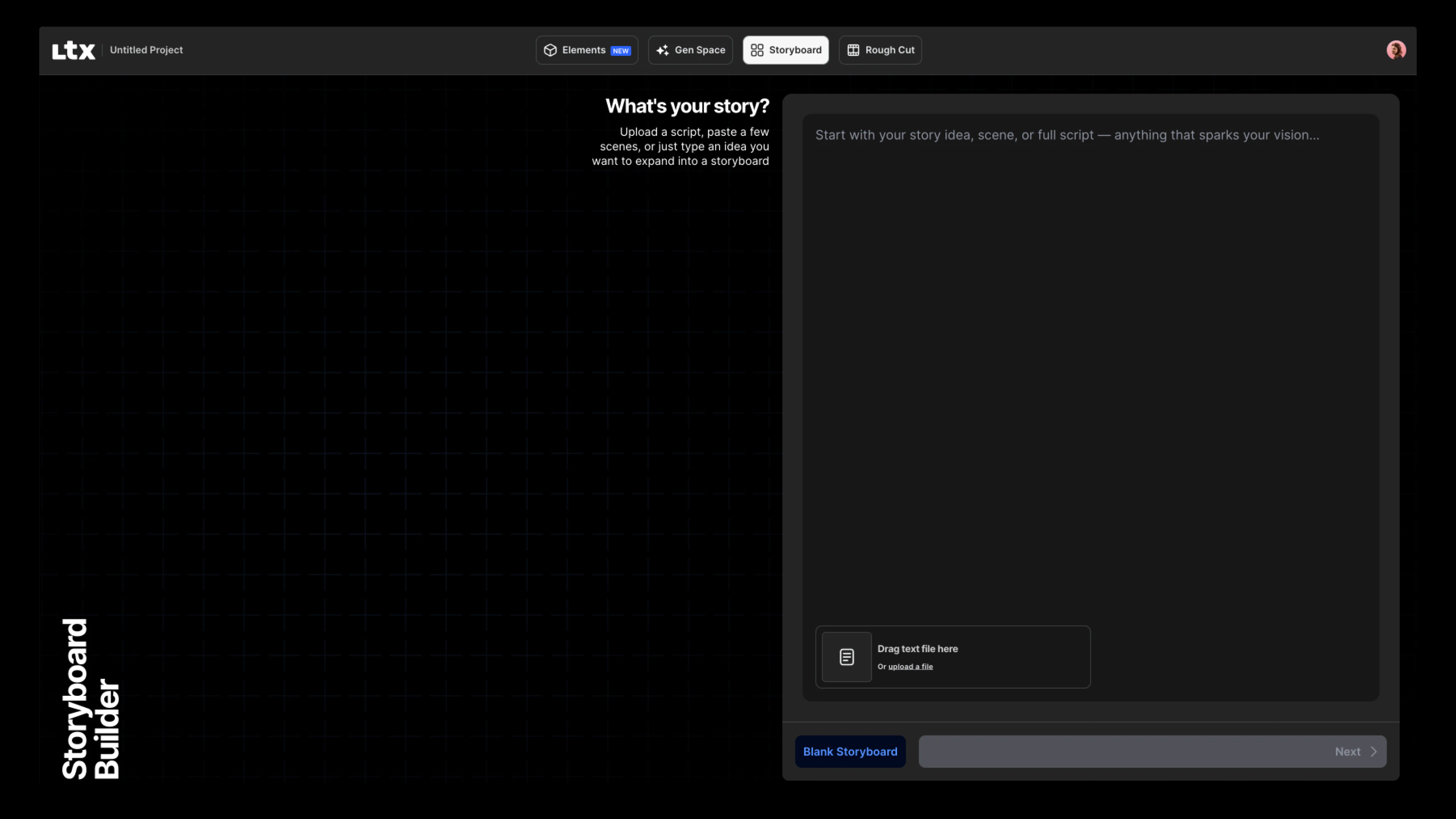
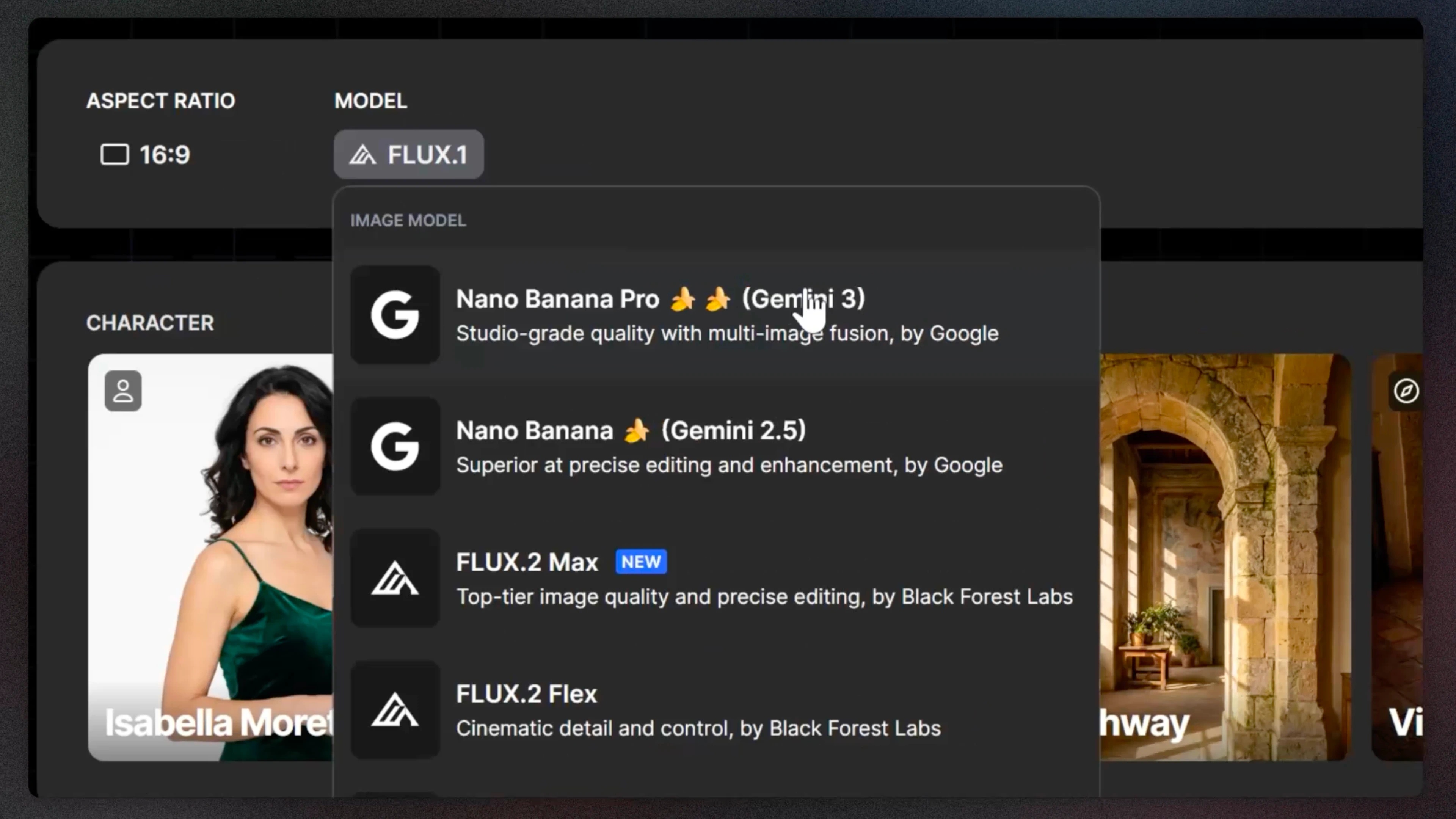
Select between the latest FLUX or Nano Banana models when you create your storyboard. Set your aspect ratio upfront, so your visuals match your brief from the first shot.
Automatic Element Creation
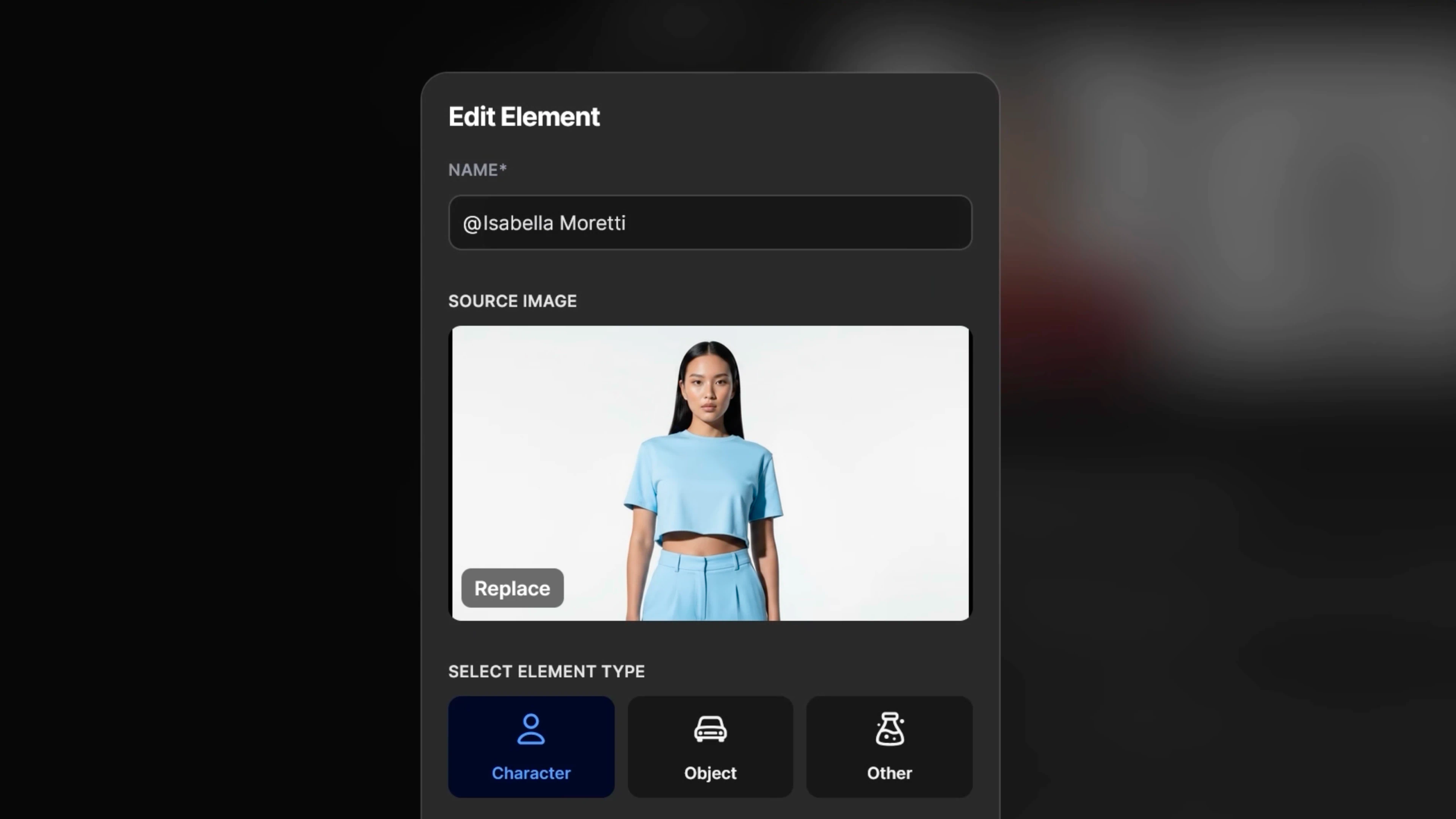
Characters and objects are now pulled directly from your script and saved as Elements. Once extracted, you can tag and reuse them across every shot,ensuring consistency without manual setup.Learn more about how Elements work in LTX.
Learn more about how Elements work in LTX.
Shot and Scene Breakdown
Your script gets divided into scenes and shots automatically. You'll see how many shots each scene contains and what's scripted for each one,giving you a complete structural view before you generate.
Better Script-to-Visual Alignment
Now your script is interpreted with more accuracy. Storyboards stay closer to what you wrote, with visuals that better reflect your narrative intent.
Why This Update Matters
Pre-production can be slow—aligning stakeholders, managing assets, and maintaining visual consistency takes time. The new storyboard initiation flow removes friction by automating structure and extracting Elements automatically, so teams working on tight timelines can generate structured, editable storyboards that reflect their script.
For Brands and Agencies
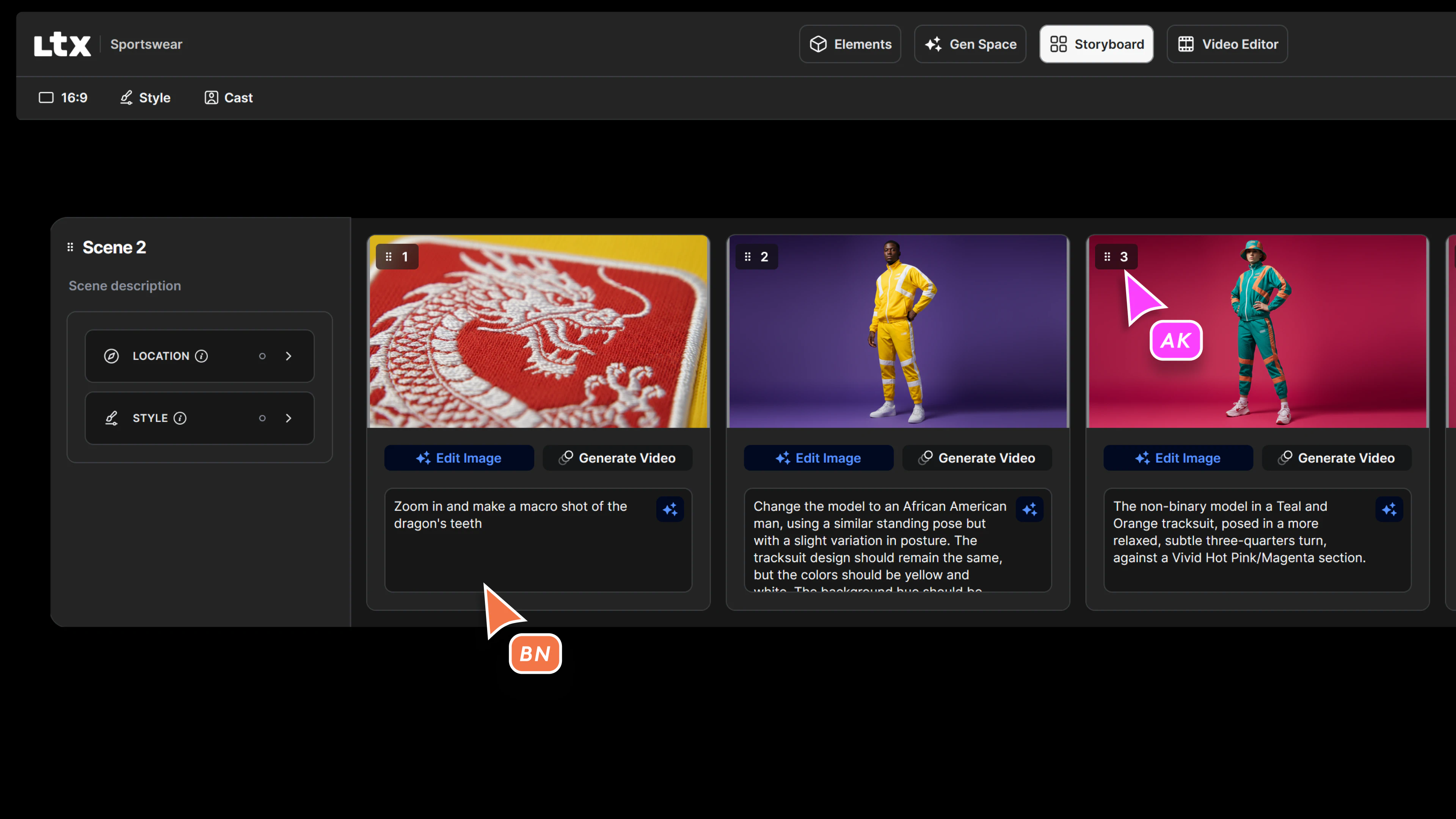
Agencies and brand teams work from briefs that need to be translated into visual pitches quickly. The updated Storyboard Generator turns campaign briefs into structured, editable storyboards.
Faster Ideation
Move from brief to storyboard in one session. Elements are extracted automatically, ready to reuse across shots.
Visual Consistency Across Assets
When you tag Elements in your storyboard, those same visuals carry through every shot. Your product, talent, or branded environments stay consistent across every frame and deliverable.
Seamless Handoff to Production
Storyboards are structured with clear shot breakdowns, making it easier to share with directors, editors, or clients. Everyone sees the same visual plan, with less room for misalignment.
For Filmmakers
For filmmakers and pre-production teams, storyboards are the blueprint. The new storyboard initiation flow helps you translate scripts into organized, shot-ready boards that keep characters and locations consistent throughout your film.
Clear Shot Breakdowns
Each scene is divided into shots automatically, showing you the structure of your project before you generate visuals. You can see what's scripted for each shot and adjust as needed.
Character and Location Continuity
Elements ensure that your protagonist looks the same in every scene, and your locations remain recognizable. No need to manually track consistency — LTX does it for you.
Pre-Production That Moves Faster
With automatic structure and consistent visuals, you spend less time on setup and more time making creative decisions, resulting in storyboards that are ready for review, revision, or generation.
How to Use the New Storyboard Generator
Upload Your Script
Start with a full screenplay or campaign brief. LTX structures it into scenes and shots.
Choose Your Model and Aspect Ratio
Select from the latest FLUX or Nano Banana models, then set your aspect ratio to match your project format.
Review Elements and Generate
Characters, objects, and locations are automatically extracted. Edit or refine them, then click Generate to build your storyboard.
Get Started with Storyboard Generator
The updated storyboard initiation flow is available now in LTX. Whether you're building a campaign pitch or prepping a short film, the new setup gives you more control and less friction.
Try the new Storyboard Generator today and turn your next idea into a shot-by-shot reality.


Maximize your creative potential with AI-powered tools
Maximize your creative potential with AI-powered tools





.jpeg)

.png)



