.png)

- The gap between a mediocre and a great AI generation comes down to prompt quality — subject, style, lighting, mood, and camera framing are the five elements that give the model enough direction to make intentional choices.
- Treat prompting like creative direction, not a search query: start simple, evaluate the output, then iterate deliberately rather than trying to perfect the first attempt.
The difference between a good AI generation and a great one usually isn't the model. It's the prompt. How you describe what you want — the level of detail, the language you use, the elements you include or leave out — determines whether you get something close to your vision or something that only vaguely resembles it.
This guide covers what AI art is, how to write prompts that actually work, and concrete examples you can use as a starting point for your own generations.
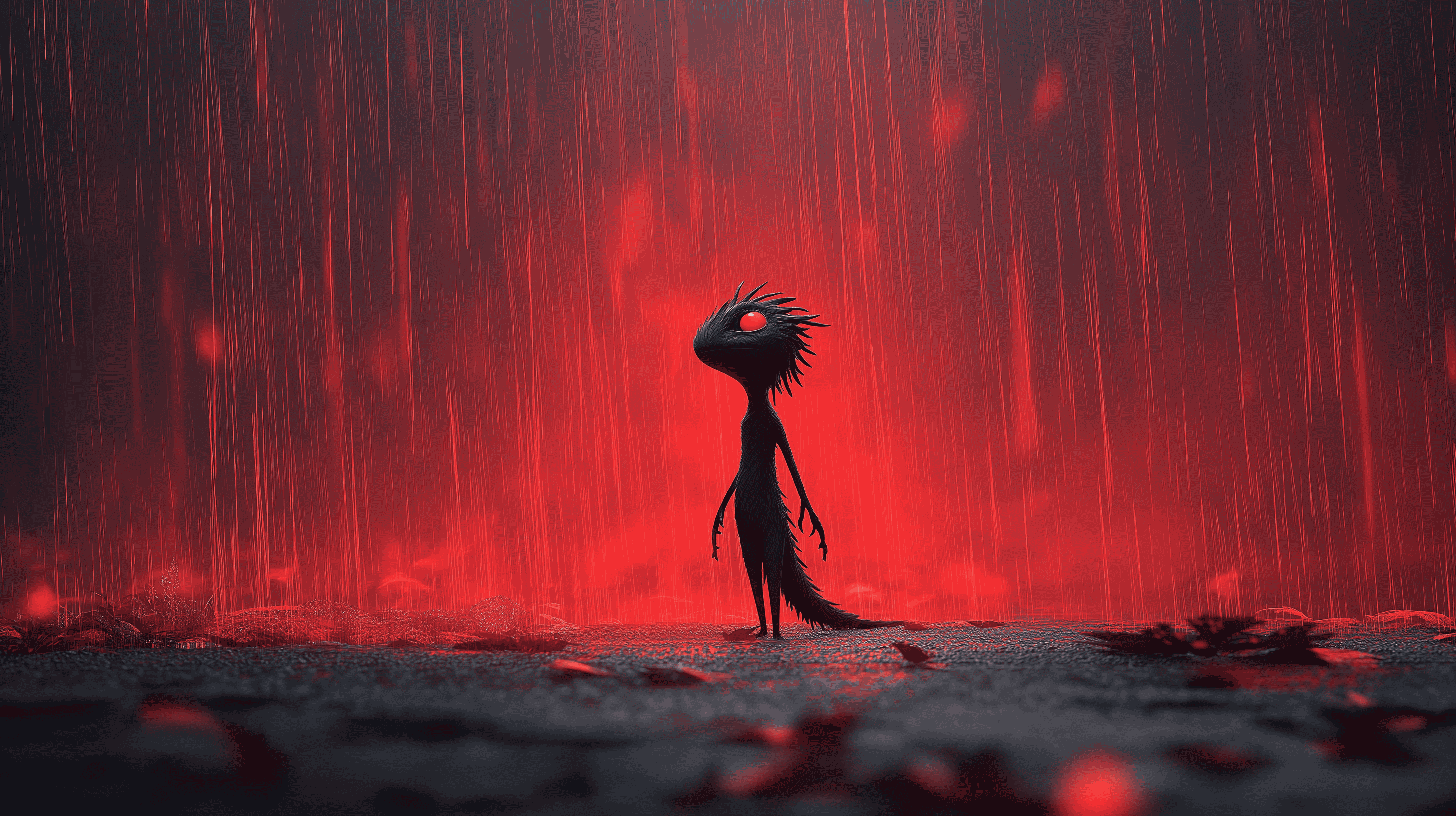
What Is AI Art?
AI art is any image or video created through generative artificial intelligence — where a model interprets a text description (or an uploaded image) and produces visual output based on that input. Rather than drawing, painting, or filming, you direct the AI using language.
The technology has evolved rapidly. Early AI image generators produced recognizable but obviously synthetic results. Today's models, including those like LTX-2.3, available for image and video generation in platforms like LTX Studio, produce photorealistic imagery, cinematic video, stylized illustrations, and everything in between. The creative ceiling has moved. What limits most generations now isn't capability — it's the quality of the prompt.
AI art spans both still images and video. A well-prompted image captures a moment: a mood, a character, a scene. A well-prompted video brings that moment to life — with motion, pacing, and camera movement that turns a concept into an experience.
How to Write AI Art Prompts
Strong prompts share a common structure, even if they look different on the surface. Think of writing a prompt the way a director briefs a cinematographer — you're describing not just what should appear on screen, but how it should look and feel.
Start with your subject
Every prompt needs a clear anchor — the main thing you want the AI to focus on. Be specific from the start. "A woman" gives the AI almost nothing to work with. "A woman in a tailored black coat standing at the edge of a fog-covered bridge at dawn" gives it a subject, a setting, a mood, and a moment.
Add style and medium
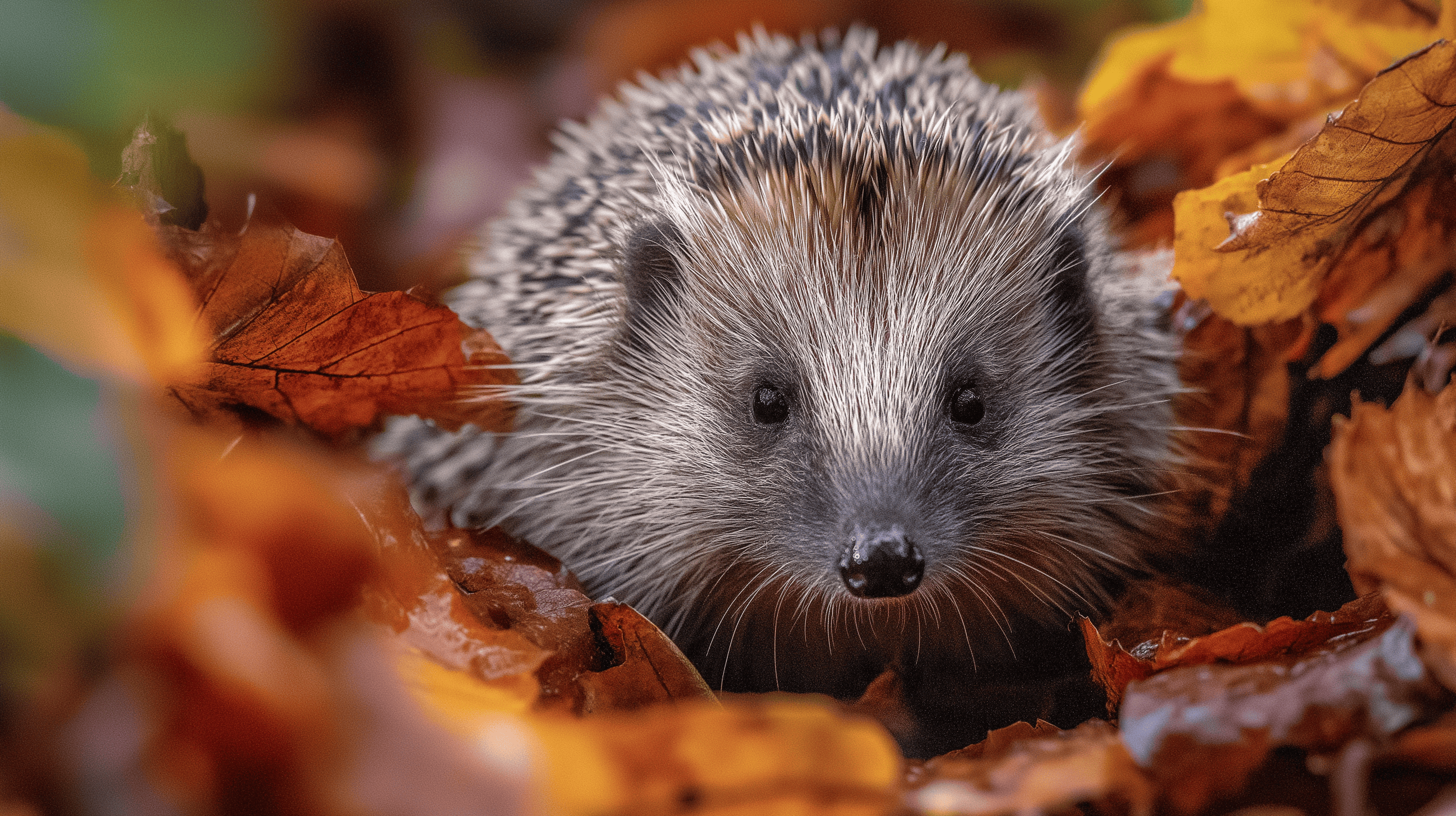
Without style guidance, AI models default to a generic visual register. Telling the model what kind of image you want — photorealistic, cinematic, watercolor, flat illustration, analog film — shapes the entire aesthetic of the output. This is one of the highest-leverage things you can add to any prompt.
Examples:
- Photorealistic, shot on 35mm film
- Cinematic wide-angle, shallow depth of field
- Soft watercolor illustration
- Digital concept art, hyper-detailed
- Vintage editorial photography
Define the lighting
Lighting is one of the most powerful tools in any visual medium — and one of the most underused in AI prompts. The same subject looks completely different under golden hour sunlight versus overcast studio light versus neon street lighting at night. Specify it.
Examples:
- Golden hour, warm backlight
- Overcast, diffused natural light
- Neon glow, high contrast shadows
- Candlelit, intimate and warm
- Harsh midday sun, strong shadows
Set the mood and atmosphere
Mood shapes how a viewer feels when they look at an image — and AI responds to emotional language. Words like tense, serene, melancholic, energetic, or ethereal help the model make decisions about color, composition, and tone that align with what you're actually after.
Specify camera and composition
This is where creators with a visual background have a natural advantage — and where everyone else can level up quickly. Framing and perspective dramatically change the feel of an image or video.
- Close-up portrait, subject fills the frame
- Wide establishing shot, subject small against the landscape
- Bird's-eye view, looking straight down
- Over-the-shoulder, shallow focus
- Low angle, looking up at the subject
For video, add camera movement:
- Slow dolly forward
- Gentle handheld shake
- Static locked-off shot
- Tracking shot following the subject
Iterate, don't perfect
The first generation is rarely the final one — and it doesn't need to be. Start with a clear but simple prompt, evaluate what the model gave you, then add or adjust specific elements. Change the lighting. Shift the composition. Swap the style. Treat each generation as a step in a conversation, not a finished product.

AI Art Prompt Examples
Here are worked examples across different creative goals, with notes on why each prompt works.
Cinematic portrait "A close-up portrait of an older man with weathered skin and calm eyes, soft side lighting, shallow depth of field, shot on 35mm film, desaturated color grade, quiet and contemplative mood."
Why it works: Clear subject, specific lighting, defined style reference, emotional tone. The AI has enough direction to make intentional choices rather than defaulting to something generic.
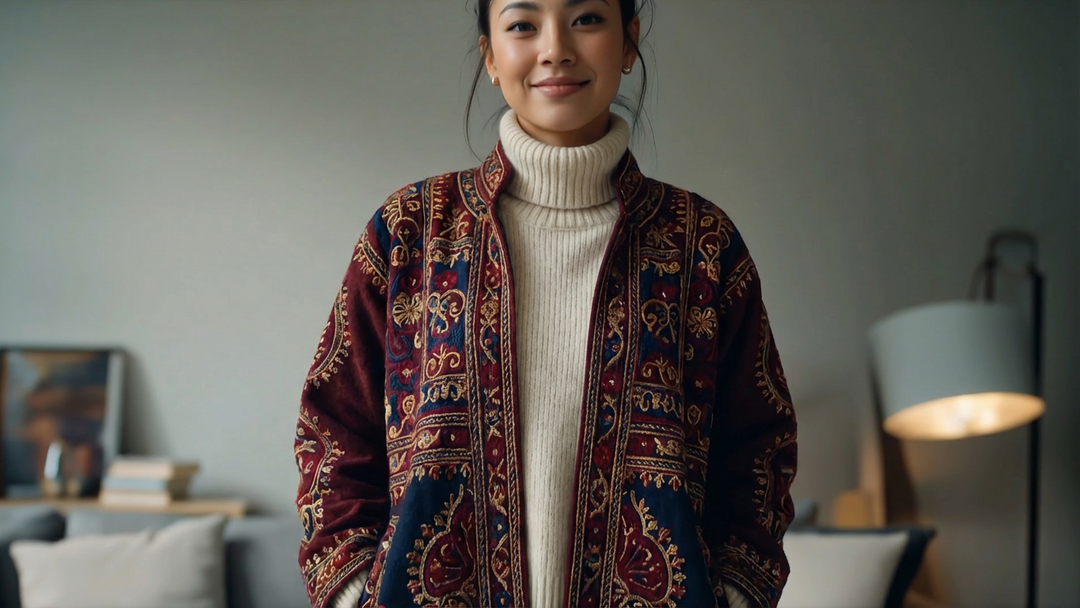
Brand campaign visual "A young woman in minimalist white activewear standing in a sunlit studio, clean white background, product-forward composition, editorial photography style, bright and airy, shot from slightly below eye level."
Why it works: The setting, lighting, and framing are all aligned with a recognizable commercial aesthetic. "Product-forward" and "editorial photography" tell the model the context without needing to explain it in detail.
Atmospheric scene "A narrow cobblestone street in an old European city at dusk, warm amber streetlights beginning to glow, light rain on the pavement, one figure in the distance walking away, cinematic wide shot, muted cool tones with warm highlights."
Why it works: Multiple layers of environmental detail work together — time of day, weather, lighting, color palette, and a human element that gives the scene scale and story.
Stylized character "A young robot explorer in a worn leather jacket, standing at the edge of a cliff overlooking a vast alien landscape, illustrated in the style of a vintage science fiction paperback cover, bold colors, graphic linework, retro typography aesthetic."
Why it works: The character, the setting, and the art style are all clearly defined. Referencing a known style category ("vintage sci-fi paperback") gives the model a coherent visual framework to work within.
AI video prompt "A slow tracking shot moving through a dense forest at golden hour, shafts of light breaking through the canopy, soft mist at ground level, no subjects, ambient and contemplative, cinematic color grade."
Why it works: For video, movement matters as much as composition. "Slow tracking shot" defines the camera behavior. "No subjects" is deliberate — the environment is the subject. The mood is specific enough that the model can make consistent decisions about color and pacing throughout the clip.
Best AI Art Prompt Ideas
If you're not sure where to start, these prompt frameworks are reliable starting points across different creative contexts.
For marketing and brand visuals: Anchor around the product or person, specify a clean and intentional setting, define the lighting, and reference a commercial or editorial photography style. Avoid overly complex scenes — clarity and focus tend to produce the strongest commercial imagery.
For storytelling and narrative content: Lead with a specific moment rather than a general scene. "The moment before she opens the door" is more generative than "a woman at a door." Add environmental details that reinforce the emotional stakes, and use camera framing that matches the tone — close for intimacy, wide for isolation.
For stylized or creative exploration: This is where unexpected combinations pay off. Mix a realistic setting with a stylized medium, or combine an unusual subject with a very specific art historical reference. "A construction site, painted in the style of a Japanese woodblock print" or "a busy airport terminal, shot as if it's a 1970s Kodachrome photograph."
For video with motion: Describe the camera behavior first, then the scene. Be deliberate about movement — subtle camera motion almost always produces better results than large, complex moves. Add time-of-day and lighting conditions, since these shape how motion and atmosphere interact throughout the clip.
Prompting for consistency across generations: If you need multiple generations that share a visual identity — same character, same setting, same style — repeat the core style and lighting descriptors exactly across prompts. The more consistent the language, the more consistent the output.
Conclusion
Writing effective AI art prompts is a skill — one that improves quickly with practice. The core principles don't change: be specific about your subject, define the style and lighting, describe the mood, and specify how the frame is composed. Everything else is refinement.
The best prompts feel like creative direction, not search queries. Think about what a director, photographer, or art director would communicate before a shoot — and translate that into language the model can act on. Start simple, iterate deliberately, and let each generation teach you something about how to write the next one.


Maximize your creative potential with AI-powered tools
Maximize your creative potential with AI-powered tools




.png&description=How to write AI art prompts that actually work — covering subject, style, lighting, mood, and composition with examples across image and video.)


.png)

.png)



